
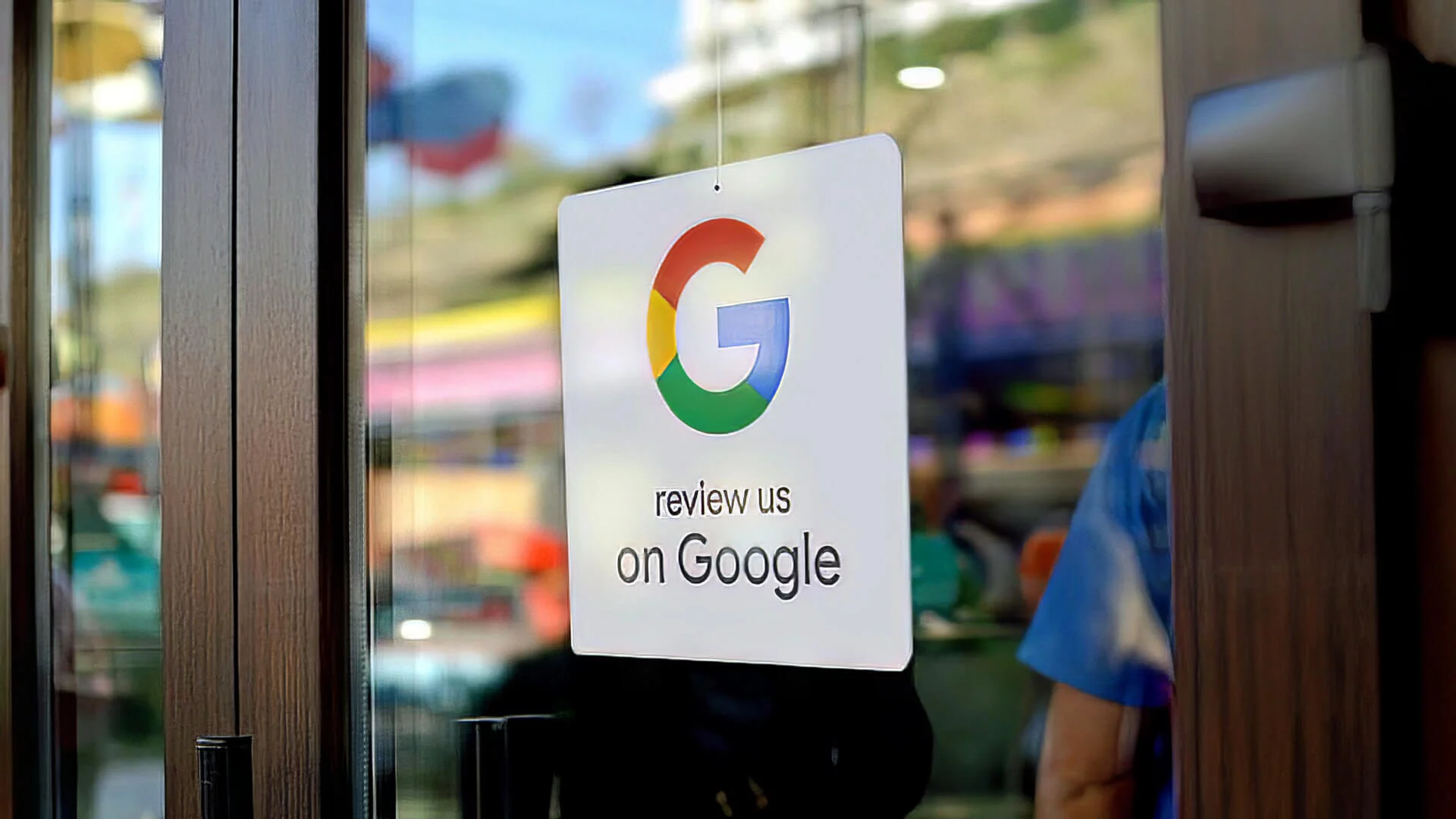
To increase reviews on Google, share the review link via email and SMS, add the review link to your website, leverage feedback surveys, print ‘Leave Us a Review’ cards, engage with on-site customers, print QR codes with review links, and ask for reviews on social media. Updating your Google Business Profile and making the process easy for customers can also boost reviews.
Responding to all customer reviews and showcasing your success are additional strategies to consider.
Utilizing Google Review Link
Increase the number of reviews on Google by utilizing the Google Review link. Easily collect more five-star reviews and manage your online reputation effectively.
Share The Google Review Link Via Email And Sms:
Share the Google Review Link via Email:
- Compose a personalized email to your customers, thanking them for their business and asking for their feedback.
- Include the direct link to your Google review page in the email, making it easy for customers to access and leave a review.
- Explain the importance of their feedback, highlighting that it helps your business attract more customers and improve its online reputation.
- Provide clear instructions on how to leave a review, such as asking them to click on the link and rate their experience.
- Express your gratitude again for their time and feedback.
Share the Google Review Link via SMS:
- Send a text message to your customers, keeping it concise and friendly.
- Briefly explain the purpose of the message, emphasizing the value of their opinion to your business.
- Include the Google review link in the message, ensuring it is clickable for easy access.
- Use a call-to-action (CTA) to encourage customers to click the link and leave a review.
- Express your appreciation for their support and feedback.
Add Review Link To Your Website:
- Incorporate a prominent button or widget on your website that directs visitors to your Google review page.
- Place the button in a visible location, such as the header, footer, or sidebar of your website.
- Make sure the button stands out with an eye-catching design, using colors that align with your brand.
- Use clear and simple language on the button, such as “Leave a Google Review” or “Rate Us on Google.”
- Link the button directly to your Google review page to reduce any friction for visitors.
Print Qr Codes With Review Link Embedded Into Them:
- Create custom QR codes that contain the direct link to your Google review page.
- Include these QR codes on printed materials, such as business cards, flyers, brochures, or packaging.
- Encourage customers to scan the QR code with their smartphones to access your Google review page instantly.
- Add a brief explanation near the QR code, instructing customers to scan it to leave a review.
- Ensure the QR code is large enough and placed in a convenient location for easy scanning.
Ask For Reviews On Social Media:
- Utilize your social media platforms, such as Facebook, Instagram, and Twitter, to ask for reviews.
- Craft engaging and personalized posts, highlighting the positive experiences of your customers.
- Include a direct link to your Google review page in the post description for easy access.
- Encourage followers to share their feedback by leaving a review on Google.
- Engage with users who comment on these posts, thanking them for their reviews and responding to any inquiries or concerns.
Implementing these strategies will help you increase the number of reviews on your Google business page. By making it convenient and straightforward for customers to share their experiences, you’ll be able to enhance your reputation and attract more potential customers.

Credit: www.boostability.com
Leveraging Feedback Surveys
Increase your Google reviews by leveraging feedback surveys. Make it easy for customers to leave reviews, respond to all customer feedback, and showcase your success to encourage more positive reviews.
Use Feedback Surveys To Increase Google Reviews
Feedback surveys can be a powerful tool when it comes to increasing the number of Google reviews for your business. By leveraging feedback surveys, you can make asking for reviews a routine part of your customer interactions, maximizing the power of follow-up emails.
Here’s how you can use feedback surveys to boost your Google reviews:
- Make asking for reviews a part of your routine: Incorporate requesting reviews into your regular customer interactions. Whether it’s through email, SMS, or in-person conversations, make sure to ask your customers for feedback and encourage them to leave a review on Google. By making this a routine part of your business operations, you can consistently generate more reviews.
- Maximize the power of follow-up emails: Follow-up emails are a great way to remind customers to leave a review on Google. When sending these emails, include a direct link to your Google review page to make it easy for customers to leave a review. Personalize the email and thank the customer for their business, then kindly ask them to share their experience by leaving a review. By being proactive and strategic with your follow-up emails, you can increase the likelihood of receiving positive reviews.
Incorporating feedback surveys and optimizing your follow-up emails can greatly increase the number of reviews your business receives on Google. By making the process seamless and convenient for your customers, you’ll encourage more individuals to share their experiences and contribute to your online reputation.
Remember, consistency and personalization are key when implementing these strategies to boost your Google reviews.
Enhancing Customer Engagement
Increase your Google reviews by sharing the review link via email and SMS, adding the link to your website, leveraging feedback surveys, and engaging with on-site customers. Make it easy for customers to leave reviews and respond to all customer feedback to enhance customer engagement.
Engage With On-Site Customers:
Engaging with your on-site customers is an effective way to increase reviews on Google. By building a strong connection with your customers during their visit, you encourage them to leave a positive review. Here’s how you can enhance customer engagement:
- Train your staff to provide exceptional customer service: Ensure that your staff members are well-trained in delivering outstanding customer service. Friendly and attentive interactions with customers can leave a lasting impression and make them more likely to leave a review.
- Personalize the customer experience: Make an effort to personalize each customer’s experience. Address them by their name, ask about their preferences, and genuinely show interest in their needs. This personalized touch will make customers feel valued and more inclined to share their positive experience through a review.
- Offer incentives for leaving reviews: Encourage customers to leave reviews by offering small incentives or rewards. This could be a discount on their next purchase, a free item, or entry into a giveaway. The incentive will not only motivate customers to leave a review but also increase their satisfaction with your business.
- Create interactive spaces: Provide interactive elements within your physical location that encourage customers to engage and share their experiences. This could include photo booths, comment boards, or suggestion boxes. These interactive spaces can serve as prompts for customers to leave reviews.
- Implement loyalty programs: Reward customer loyalty by implementing a program that offers exclusive benefits, discounts, or rewards. This will not only encourage repeat visits but also increase the likelihood of customers leaving positive reviews.
Make It Easy For Customers To Leave Reviews:
Simplifying the review process for your customers is essential to increase Google reviews. By reducing friction and streamlining the review process, you will encourage more customers to share their feedback. Here are some strategies to make it easy for customers to leave reviews:
- Provide clear instructions: Clearly communicate how customers can leave a review on Google. This could be through signage in your physical location, on your website, or through follow-up emails or SMS messages.
- Offer multiple platforms for leaving reviews: Besides Google, provide customers with alternative platforms where they can leave reviews, such as Yelp or Trustpilot. This allows customers to choose the platform they are most comfortable with, increasing the likelihood of them leaving a review.
- Create a custom review link: Generate a custom review link that directly leads customers to the review section on Google. This eliminates the need for customers to navigate through various pages to leave a review, making it more convenient for them.
- Use QR codes: Display QR codes in visible locations, such as at the point of sale or on marketing materials. When scanned, these QR codes direct customers to the review section on Google, making it quick and easy for them to leave a review.
- Optimize your website for reviews: Make sure your website has a prominent and easy-to-find section where customers can leave reviews. Include clear instructions and buttons that link directly to your business’s Google review section.
Respond To All Customer Reviews:
Responding to customer reviews, both positive and negative, demonstrates that you value your customers’ feedback and are committed to providing excellent service. Here’s why responding to reviews is crucial:
- Engage with positive reviewers: Show appreciation to customers who leave positive reviews by responding with a personalized message. Express your gratitude and let them know that their feedback is valuable to your business. This interaction not only strengthens your relationship with existing customers but also encourages potential customers to leave reviews as well.
- Address negative reviews promptly: Negative reviews provide an opportunity to showcase your commitment to resolving issues and improving customer satisfaction. Respond to negative reviews promptly, apologize for any negative experiences, and offer a resolution. This shows potential customers that you are attentive and responsive to feedback.
- Use keywords in your responses: Incorporate relevant keywords in your responses to reinforce the visibility and searchability of your reviews. This can help improve your overall online presence and attract more customers.
- Maintain a professional tone: When responding to reviews, always maintain a professional and polite tone. Even in the face of a negative review, avoid becoming defensive or argumentative. Responding in a professional manner reflects positively on your business and can help mitigate any potential damage caused by negative feedback.
Frequently Asked Questions For How To Increase Reviews On Google
Can We Increase Google Reviews?
To increase Google reviews, share the review link via email and SMS, add the review link to your website, use feedback surveys, print “Leave Us a Review” cards, engage with on-site customers, print QR codes with review links, ask for reviews on social media, update your Google Business Profile, make asking for reviews a routine, make it easy for customers to leave reviews, maximize the power of follow-up emails, respond to all customer reviews, and showcase your success.
How Do I Increase My 5 Star Google Review?
To increase your 5-star Google reviews, follow these steps: 1. Share the Google review link via email and SMS. 2. Add the review link to your website. 3. Use feedback surveys to encourage more Google reviews. 4. Print “leave us a review” cards to distribute to customers.
5. Engage with on-site customers and ask for reviews. 6. Create QR codes with embedded review links. 7. Ask for reviews on social media. 8. Update your Google Business Profile. 9. Make asking for reviews a routine. 10. Make it easy for customers to leave reviews.
11. Maximize the power of follow-up emails. 12. Respond to all customer reviews. 13. Showcase your success. Implementing these strategies will help you increase your 5-star Google reviews.
How Many 5 Star Reviews Does It Take To Increase Google Rating?
To increase Google rating, there is no specific number of 5-star reviews required. However, having a higher number of positive reviews can positively impact the overall rating.
How Can I Increase My Google Reviews?
The key to increasing Google reviews is to actively ask for them. You can share the review link via email and SMS, add the review link to your website, leverage feedback surveys to prompt reviews, print “Leave Us a Review” cards, engage with on-site customers, print QR codes with the review link embedded, and ask for reviews on social media.
Conclusion
To increase reviews on Google, there are several effective strategies you can employ. First, make it easy for customers to leave reviews by sharing the Google review link via email and SMS. Additionally, adding the review link to your website and printing “Leave Us a Review” cards can encourage more feedback.
Engaging with on-site customers and asking for reviews on social media platforms can also boost participation. Furthermore, updating your Google Business Profile and responding to all customer reviews shows your commitment to customer satisfaction. To maximize the power of follow-up emails, include a request for a review.
Lastly, showcase your success and leverage feedback surveys to increase the number of Google reviews you receive. By incorporating these tactics into your routine, you’ll see an improvement in your online reputation and search visibility. Don’t be afraid to ask for reviews – your customers are often willing to leave feedback if you simply make the request.
